How to Choose Camera, Lighting, and Microphone Gear for TikTok LIVE Studio
2026-03-07
How to Choose Camera, Lighting, and Microphone Gear for TikTok LIVE Studio
Choosing gear for TikTok LIVE Studio is easier when you stop asking "What is the best equipment?" and start asking "What combination fits my content style?" There is no single universal setup. Different gear types fit different creator situations.
If the equipment checklist helps you choose your level, this article helps you choose your combination. The focus here is not your full shopping list. It is how camera, lighting, and microphone choices work together in a real stream setup.
Start With Your Creator Scenario
The right gear mix changes depending on what your stream actually looks like. Before choosing products, decide which of these situations sounds most like your real use case:
- sit at a desk and talk to camera
- move around during the stream
- perform music
- need a gaming feed plus a face camera
If you skip this step, you often end up buying gear that sounds impressive but does not actually solve your production problem.
Camera Options in the Official Guide
Camera options make more sense when you think about control, not just image quality. The key question is how much visual flexibility you actually need.
Webcam
The webcam is the entry-level option that can deliver HD LIVE with minimal investment and minimal setup friction.
Best for:
- first-time desktop streamers
- desk-based chatting or lifestyle creators
- creators who want plug-and-play simplicity
Digital camera
The middle tier is a digital camera. This is often where creators start seeing a more noticeable upgrade in overall polish because the image can look cleaner and more deliberate than a basic webcam feed.
Best for:
- creators ready to upgrade image quality
- users who want better depth and color than a basic webcam
- streamers willing to use accessories such as a capture card or tripod
Mirrorless or DSLR
The advanced option is mirrorless or DSLR. This is the better fit when visual presentation is part of the value of the stream itself, not just a functional requirement.
Best for:
- professional or semi-professional creators
- musicians and performance-focused streamers
- creators who want more control over visual style
Lighting: The Four Roles You Should Understand
Lighting works best when you think in jobs, not products. Each light solves a different visual problem.
Key light
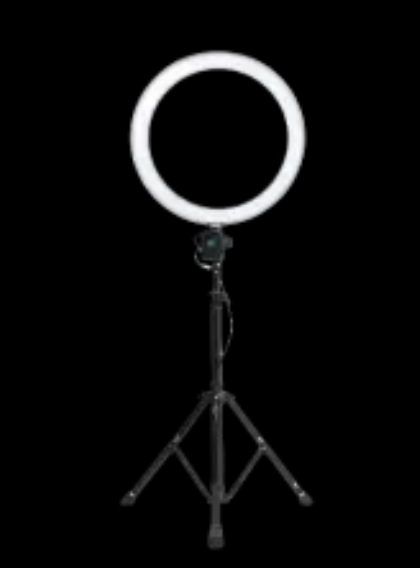
This is your main light source. It is often a ring light or soft box placed in front of and above your face. If your stream only has one light, this is the one that matters most.
Use it when:
- you need clean, direct visibility
- your face is the main focus of the stream
Fill light
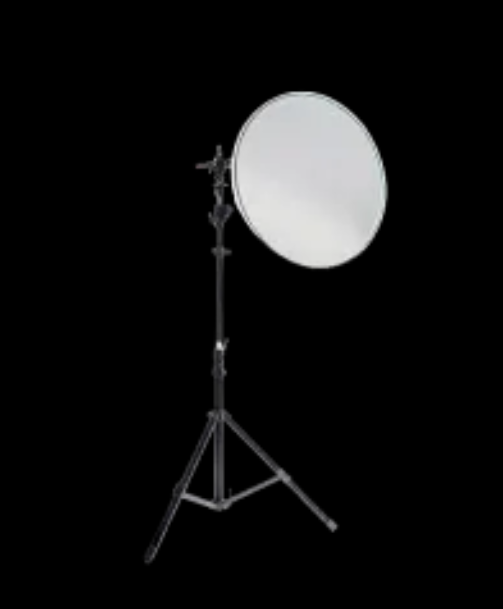
Fill light softens shadows created by the key light. The guide describes it as often being placed on the left and right sides.
Use it when:
- your face looks too contrast-heavy
- you want a more polished and balanced look
Backlight
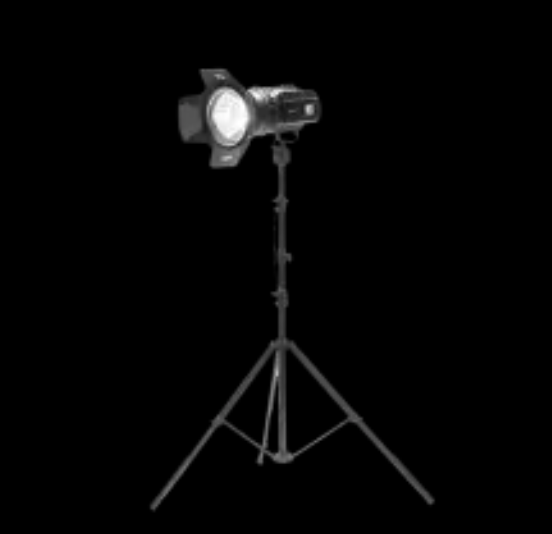
Backlight creates separation from the background. It is most useful when your image feels flat or when the subject blends into the room too much.
Use it when:
- you want more depth in the frame
- your background and clothing blend together too much
Atmosphere light
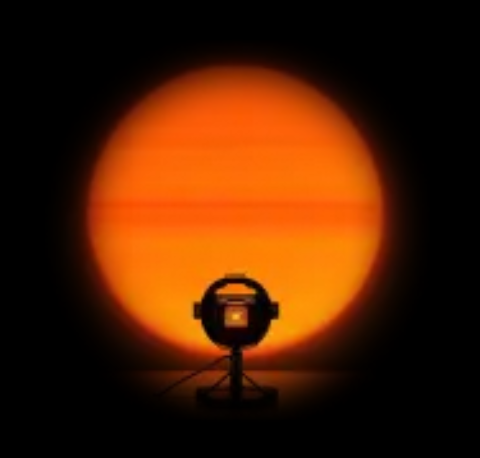
Atmosphere lighting is decorative background lighting such as tubes, strips, or sunset-style lights. This is less about visibility and more about mood, brand, and overall stream identity.
Use it when:
- you want a more branded or stylized stream
- your background looks flat or lifeless
Microphone Choices by Streaming Style
Microphone choice is where many creators either make the stream feel professional or accidentally make it harder to watch. The best microphone is usually the one that fits the way you move, perform, and monitor your sound.
Lavalier microphone
Lavalier microphones are sensitive, flexible, and compatible with many devices. They are especially useful when freedom of movement matters more than a visible desktop microphone setup.

Choose this if:
- you move during the stream
- you do not want a desk mic in the frame
- flexibility matters more than a heavy studio look
USB microphone
USB microphones are strong for creators who want cleaner desk-based sound without adding too much setup complexity. They are especially good when the stream format is stable and seated.
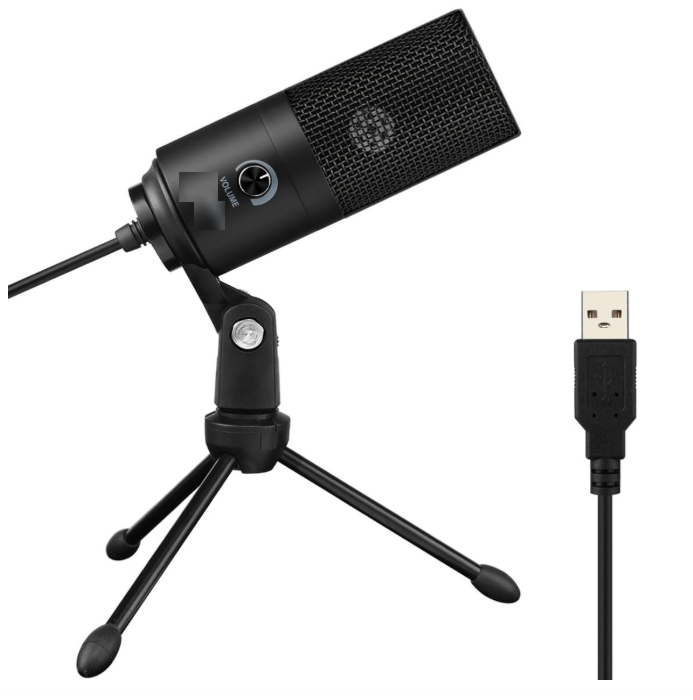
Choose this if:
- you stream at a desk
- you want a simple but clear audio upgrade
- you need a straightforward creator setup
Large-diaphragm XLR microphone
This is the professional option. It usually works with phantom power and an external sound card, and it is most useful when audio quality is central to the content rather than just "good enough."
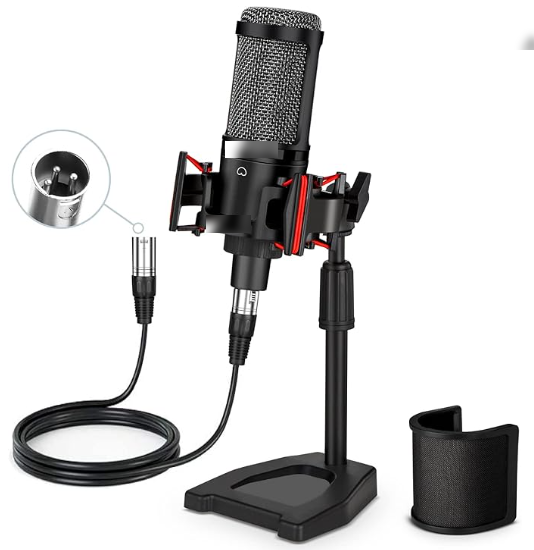
Choose this if:
- audio quality is central to your content
- you record or perform music
- you are comfortable with more complex audio gear
Easy Gear Matching by Creator Type
Beginner chatting creator
- webcam
- key light
- USB microphone
This is the cleanest starting combo for a fixed desk setup because all three parts support the same simple use case.
Lifestyle creator with movement
- webcam or digital camera
- key light plus fill light
- lavalier microphone
This setup gives more freedom in a wider streaming space and avoids forcing a desk-based microphone solution onto a movement-based format.
Gamer
- webcam or dual-camera-ready setup
- key light plus optional atmosphere lighting
- USB microphone or headphones with stronger monitoring
Music creator
- digital camera or mirrorless/DSLR
- more complete lighting setup
- XLR microphone plus sound card
How to Build a Balanced Combination
The strongest setup is not always the most expensive setup. It is the one where your camera, lighting, and microphone all support the same content style and the same physical setup.
For example:
- a chatting setup usually works best with a webcam or simple camera, a key light, and a USB microphone
- a movement-heavy setup often benefits from a lavalier mic and a wider lighting plan
- a music setup often needs stronger microphone quality and monitoring than a basic talking stream
If one part of the setup is much stronger than the others, the result can still feel unbalanced.
- a great camera with weak lighting will disappoint
- a strong microphone in the wrong physical setup can create friction
- a visually polished stream with weak monitoring can still feel unreliable in practice
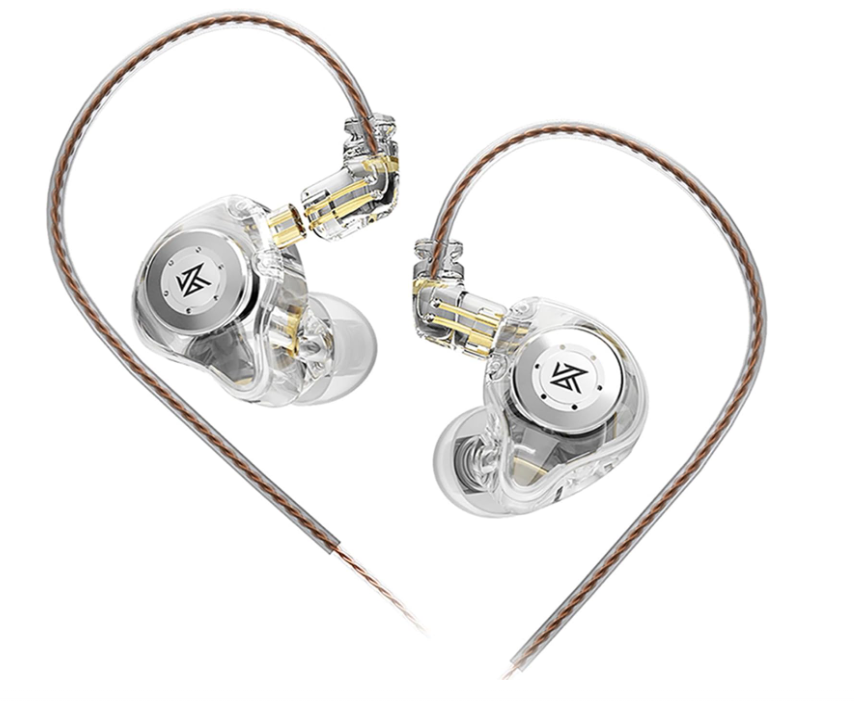
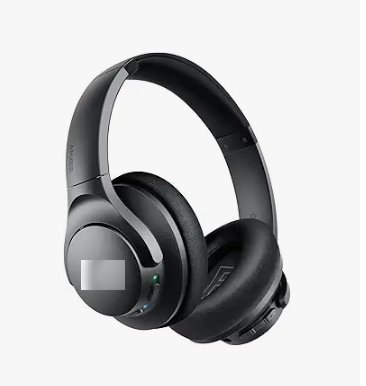
If monitoring matters to your workflow, accessories such as in-ear monitors and over-ear headphones can also help you hear your setup more accurately while you stream.
Common Mistakes to Avoid
Matching advanced cameras with poor lighting
Even a strong camera looks disappointing in bad light.
Choosing the wrong microphone for your movement
A seated desk setup and a performance setup should not automatically use the same mic strategy.
Thinking one device solves everything
Image quality comes from the combination of camera, lighting, and accessories, not only the camera body.
Ignoring monitoring
Some microphones support real-time headphone monitoring. That is useful because you can hear issues before your viewers complain.
Summary
The best TikTok LIVE Studio gear setup is a matched system, not a random collection of good products. Webcam, digital camera, and mirrorless options fit different levels of visual control; key, fill, back, and atmosphere lights solve different visual problems; and lavalier, USB, and XLR microphones fit different streaming styles.
Choose the combination that fits how you actually stream. Once the pieces support the same content style and the same workflow, even a simpler setup can feel much more professional.